

ReelOut Video Editor & Maker
A powerful, easy video editor built for reels and short-form video
Screenshots
About ReelOut
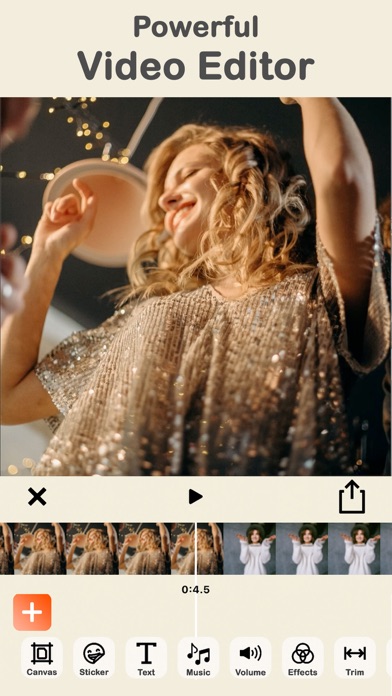
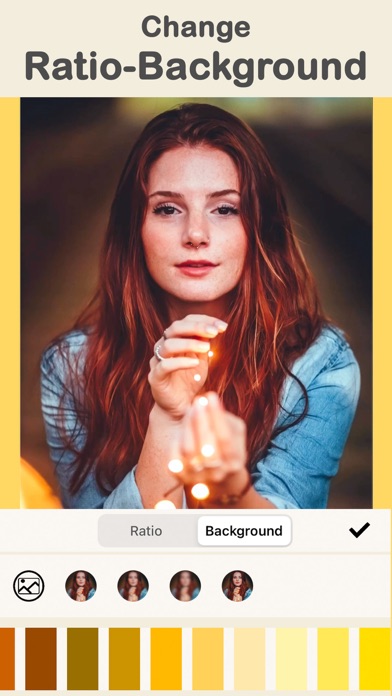
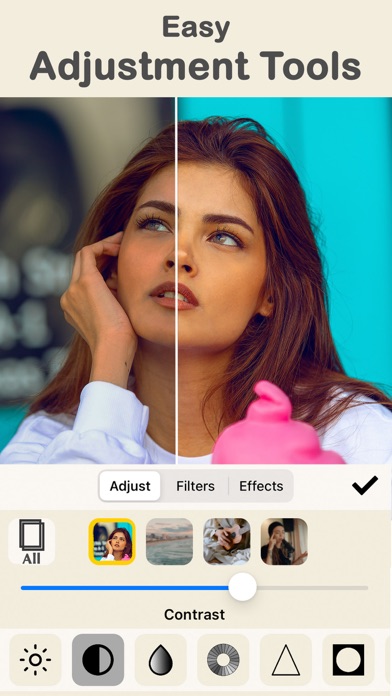
ReelOut is a powerful yet easy-to-use video editor made for the short-video era. Bring in multiple clips, trim them, set the exact ratio your platform expects, and fine-tune each clip individually — background, brightness, contrast, saturation, even per-clip volume. It’s a serious toolkit that stays simple enough to use on the couch.
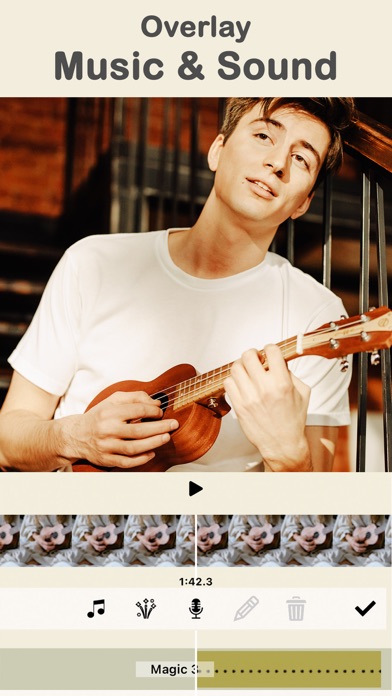
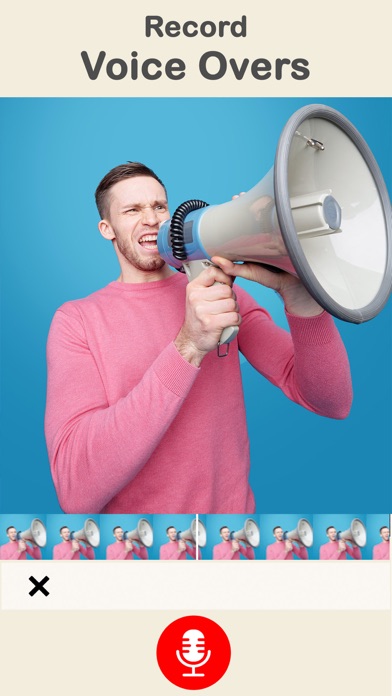
Sound is where ReelOut shines. Layer multiple music tracks from the free collection, drop in sound effects, record your own voice-overs, or extract audio from any video in your gallery. A precise timeline with loop, fade-in and fade-out support means your audio lands exactly where you want it — and stickers and text get the same frame-accurate treatment.
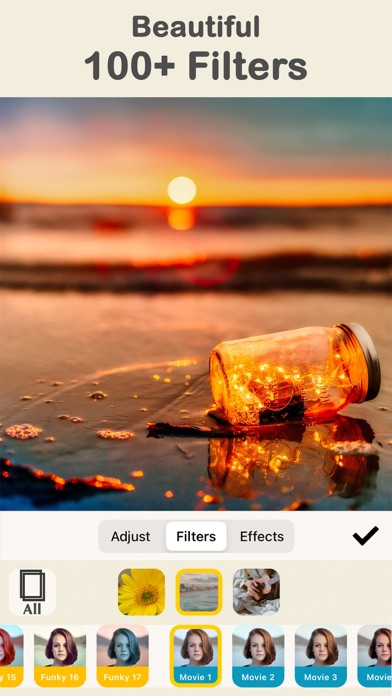
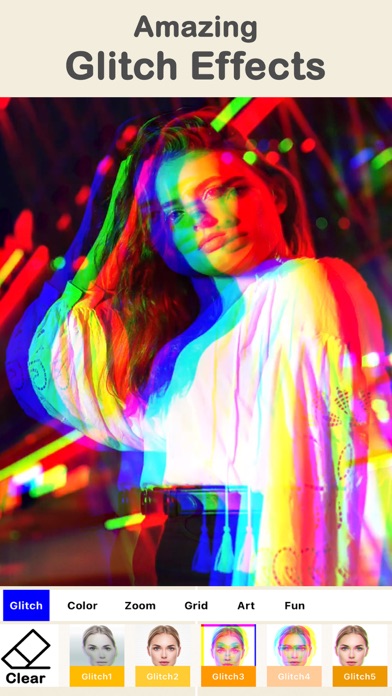
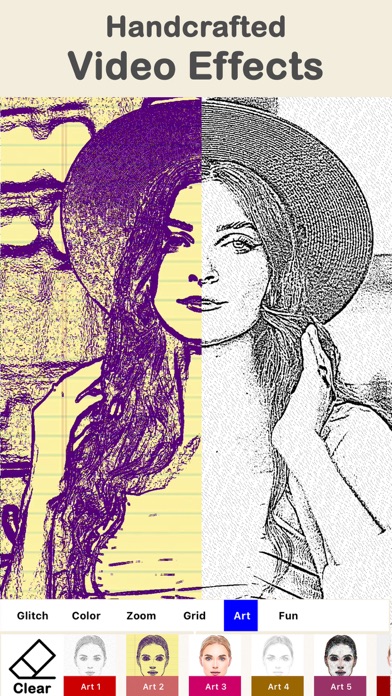
Finish with over 100 filters and video effects — glitch, art, color, zoom — applied to any part of your video. Drafts are saved as projects you can rename and revisit, and sharing the final cut takes one tap. Level up your social media game with ReelOut, free on the App Store.
Key features
Multi-clip editing
Combine multiple clips, trim each one, adjust brightness, contrast and saturation, and resize to any famous social media ratio.
Music and voice-overs
Layer music tracks, sound effects and your own voice recordings on a precise timeline — or extract audio from any video in your gallery.
100+ filters and video effects
Apply beautiful filters per clip and add video effects like glitch, art, color and zoom to any part of your video.
Stickers with precise timing
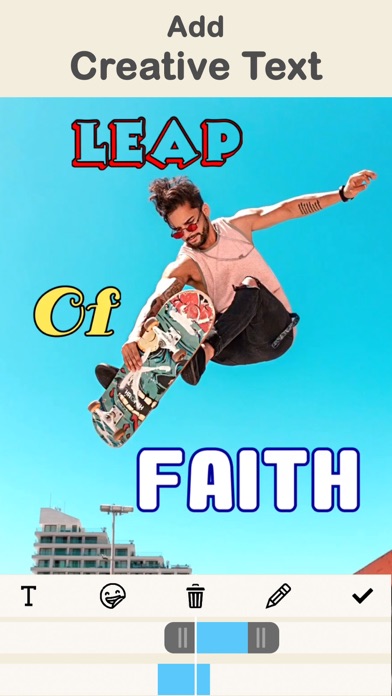
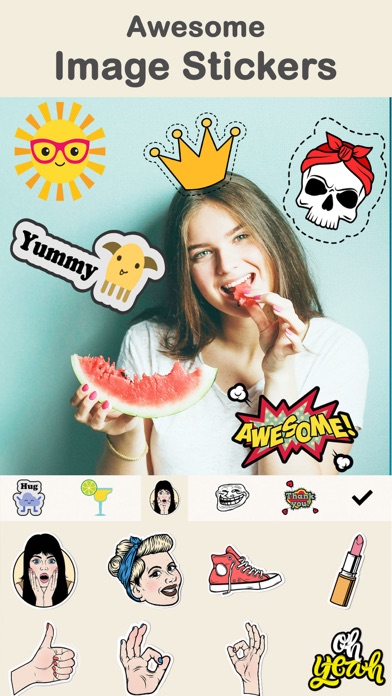
Add image stickers and text stickers with creative fonts and colors, each placed exactly where you want on the timeline.
How to use ReelOut
Download ReelOut from the App Store
ReelOut is free to download and works on iPhone and iPad running iOS 11.0 or later.
Add your video clips
Import multiple clips from your photo gallery and pick the height-to-width ratio that fits your target platform.
Edit, style and score
Trim each clip, tweak its background and colors, apply filters and effects, then add stickers, music, sound effects or a recorded voice-over.
Export and share
Your work is saved as a draft project along the way — when you're happy, export the final video and share it straight from the app.
Frequently asked questions
Is ReelOut free to use?
ReelOut is free to download from the App Store, and you can start editing right away. Some premium features may be offered inside the app — a subscription unlocks all video effects, filters and stickers and removes ads and the watermark.
Can I add my own music or voice to a video?
Yes. You can add multiple tracks from the free music collection, choose sound effects, record your own voice-overs, or extract audio from any video in your photo gallery. Each track can be trimmed, looped, faded in or out, and placed precisely on the timeline.
Does ReelOut save my work in progress?
Yes. Everything you work on is saved as a draft project, and you can rename projects to keep them easy to identify. Come back any time to keep editing where you left off.
What video effects does ReelOut include?
ReelOut offers over 100 filters plus different categories of video effects such as glitch, art, color and zoom. Effects can be applied to any part of the video, not just the whole clip.
Can I resize a video for different social platforms?
Yes. ReelOut lets you change the height-to-width ratio of your video to fit the requirements of famous social media platforms, and you can style each clip's background with blur, a color, or an image from your gallery.
Which devices does ReelOut support?
ReelOut runs on iPhone and iPad running iOS 11.0 or later. An Android version is planned — check back on this page for the Google Play link.
Get ReelOut today
Free to download — join the users who already love it.